
How we built
From an Amman Window.
A practical guide to building the Arabic scroll experience. See how a window opens, how Petra reveals itself, and why scrolling down moves only the postcards sideways.
Download the Arabic PDF6 pages · Arabic · code and screenshots

Build the story first
Start with a route: Amman → Jerash → the Dead Sea → Petra → Wadi Rum → Aqaba. The window is the opening, and a plate of mansaf is the ending. Give each stop a scene, a short story and postcards before adding motion.
The project uses Vite and plain JavaScript. The commands below create a blank site on a supported Node.js version. Use this file map to build it up. If you already have the project source, run npm ci instead. In the original, src/render.js turns chapter data into HTML.
Set lang="ar" dir="rtl" on the page. Keep the Arabic text and wordmark in HTML and SVG. Use Alexandria for reading, Aref Ruqaa for a few handwritten cues, and WebP layers for the scenery.
Terminal
# Starting from an empty folder
npm create vite@latest amman-scroll -- --template vanilla
cd amman-scroll
npm install
npm install gsap lenis @fontsource/alexandria @fontsource/aref-ruqaa
npm run dev

# Project layout
# index.html      — intro, hero, navigation
# src/content.js  — chapter data
# src/render.js   — chapter markup
# src/intro.js    — window canvas
# src/main.js     — motion and navigation
# src/style.css   — layers and transitions
# public/img/ — original visual layersFly through the window
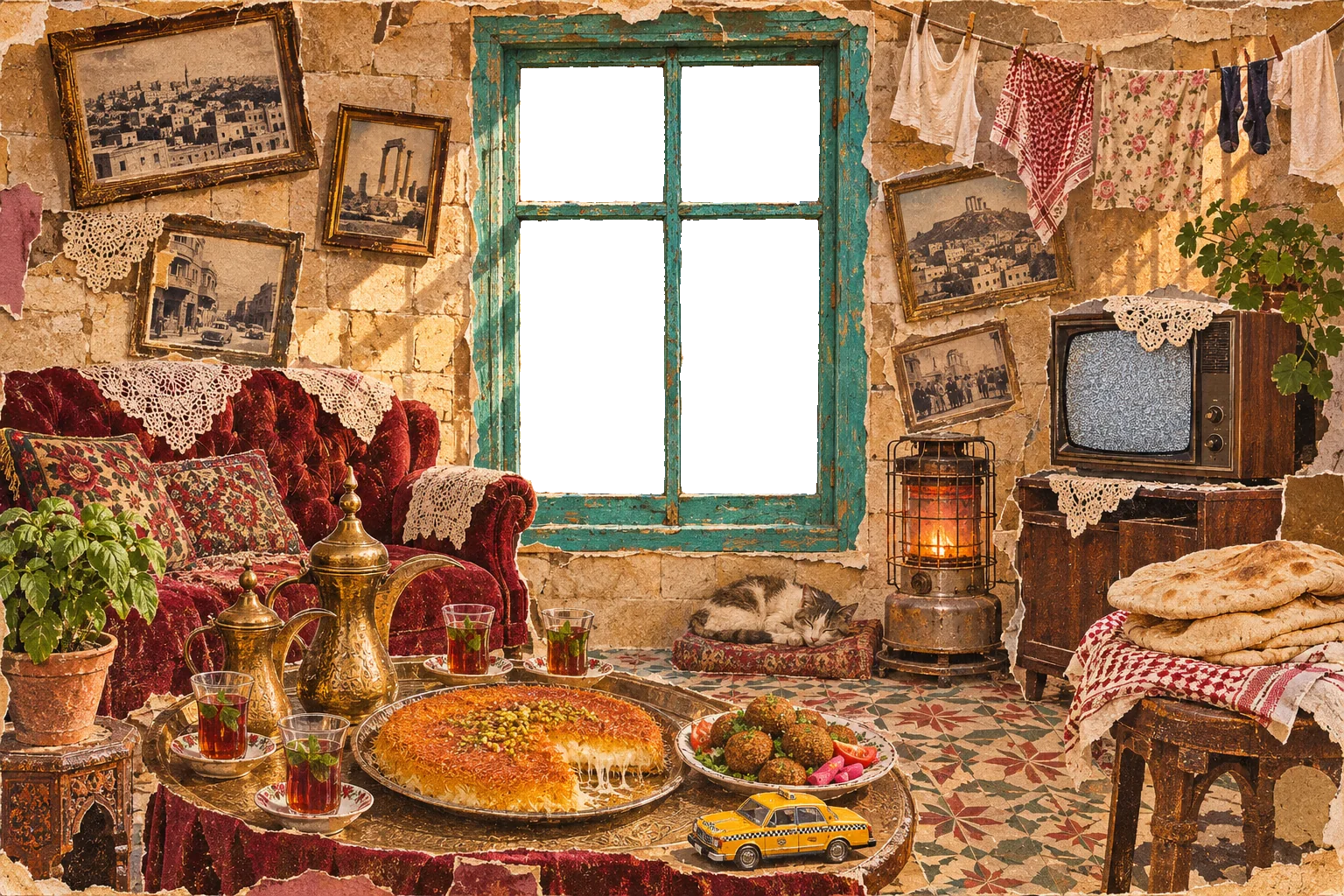
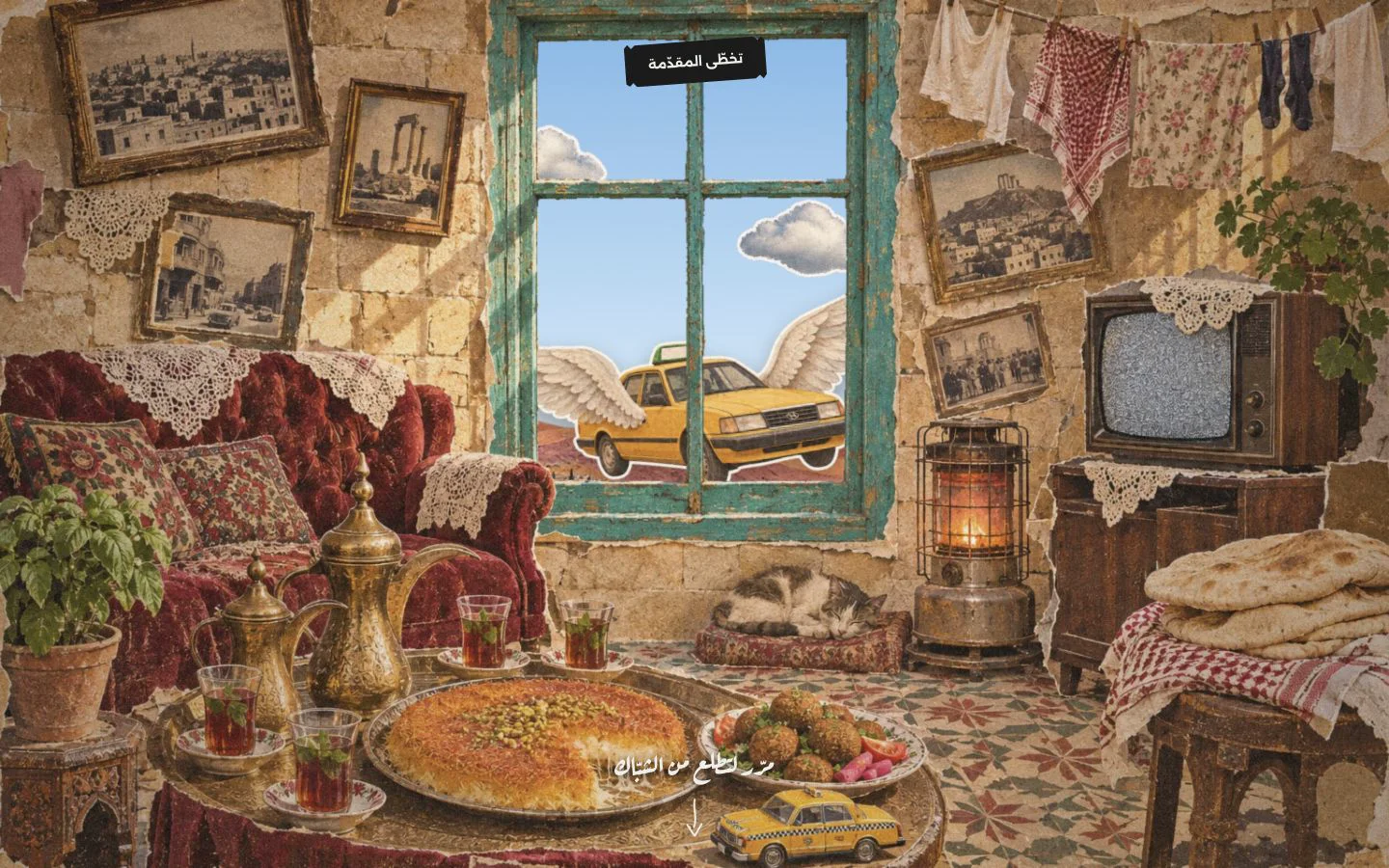
A tall section gives the opening room to move. A viewport-height stage sticks inside it. One canvas paints the sky, hills, clouds and taxi; a second paints the room and frame. The glass in the room image is transparent so you can see the world behind it.
Turn the distance scrolled inside the section into a value from 0 to 1. Zoom exponentially into the glass, let the layers move at different speeds, then fade the room and frame. The sky ends in the same dark colors as the hero, so the handoff feels continuous.
Try the actual canvas artwork and zoom below, with a slider controlling the same progress that scrolling controls on the original site.
Inside the roomNight over Amman
src/intro.js
// Abridged from src/intro.js
const span = sectionHeight - stageHeight;
const p = span > 0
  ? Math.min(1, Math.max(0, (scrollY - sectionTop) / span))
  : 0;
const r = ease(clamp((p - 0.02) / 0.58));
const zoom = Math.exp(Math.log(zMax) * r);
const scale = base * zoom;Give each stop one moment
Use one clock: the GSAP ticker advances Lenis and the canvas. Lenis reports scroll positions to ScrollTrigger. Set up the scene pins in document order so each pin adds space before the next is measured.
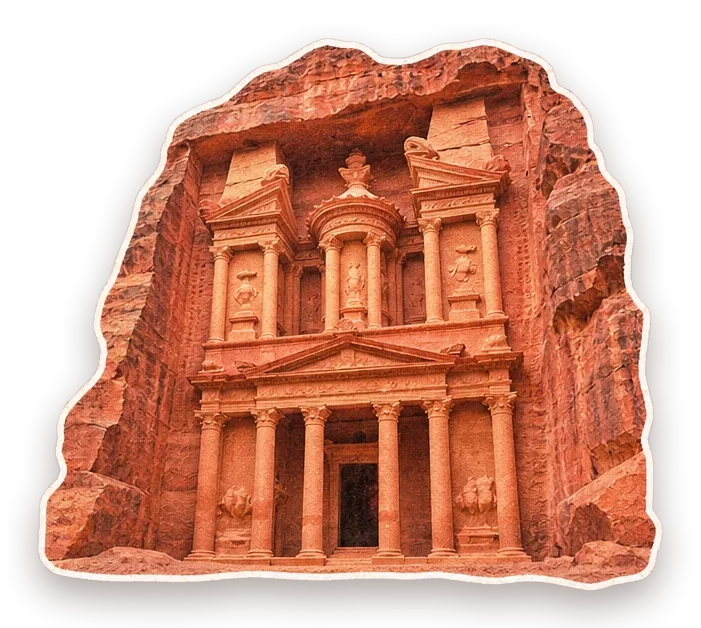
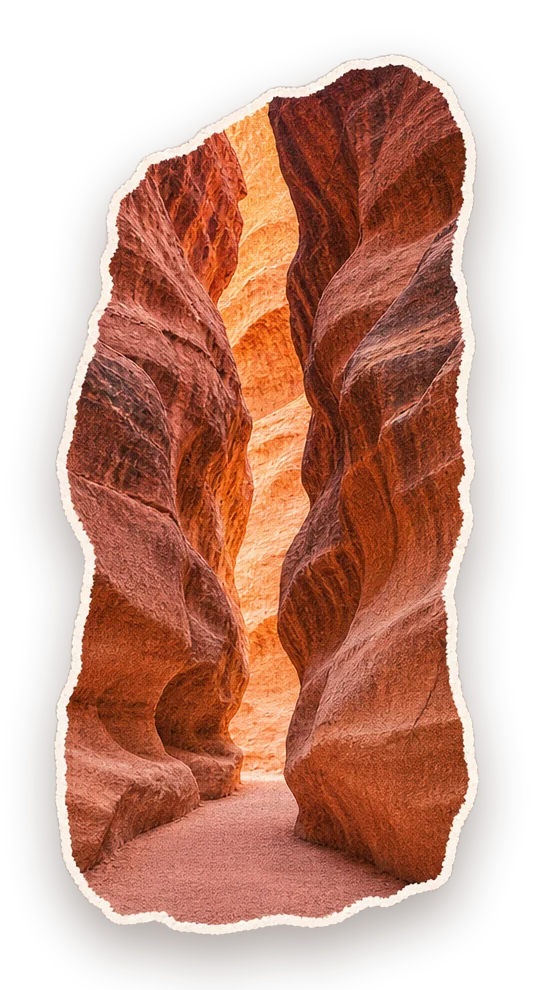
Petra pins for about 1.6 viewport heights. Its rock walls move outward while the Treasury scales from 42% to 100%. In Aqaba, the surface moves up and out of view early in the dive, while the reef and fish move at their own pace.
Test the joins independently: match neighboring colors and fade or mask only the layer that needs it. In this version, the dawn panel stays separate and the artwork softens into the Amman sky. The torn edge at the end of Aqaba uses the same paper color as the mansaf section.
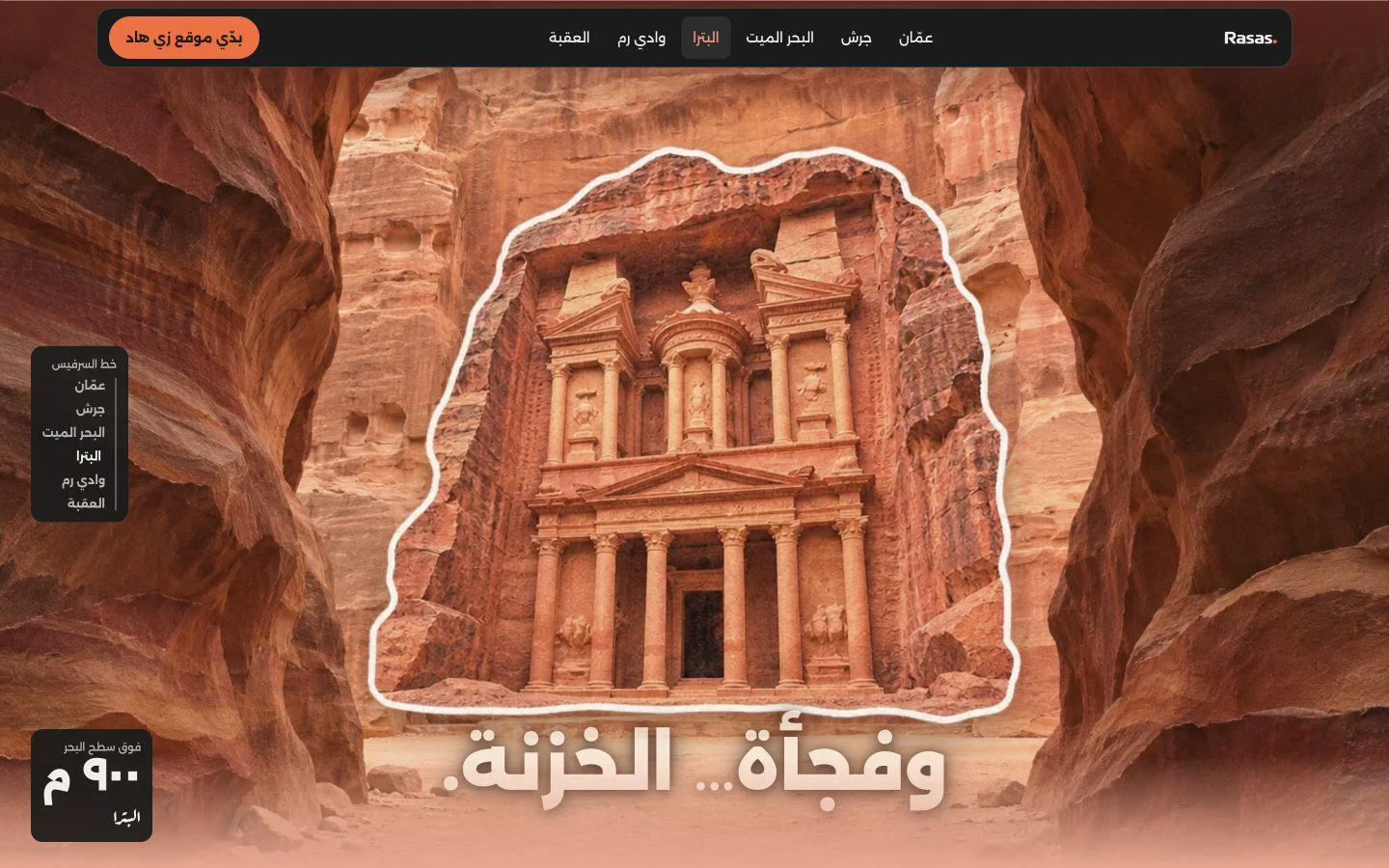
Inside the canyonThe Treasury
src/main.js
// From src/main.js, after Lenis and intro are initialized
lenis.on('scroll', ScrollTrigger.update);
gsap.ticker.add((t) => {
  lenis.raf(t * 1000);
  intro.tick();
});Scroll down, move sideways
Pin the gallery below the header and measure its rail: scrollWidth - clientWidth. The rail starts at scrollLeft = 0 on the right; a negative value takes it toward the last card. Use linear easing so vertical distance matches horizontal travel.
Use that same distance to set where the pin ends. Recalculate it whenever ScrollTrigger refreshes after a resize. Leave the rest of the document vertical and give visitors who prefer reduced motion the native horizontal rail with snap points.
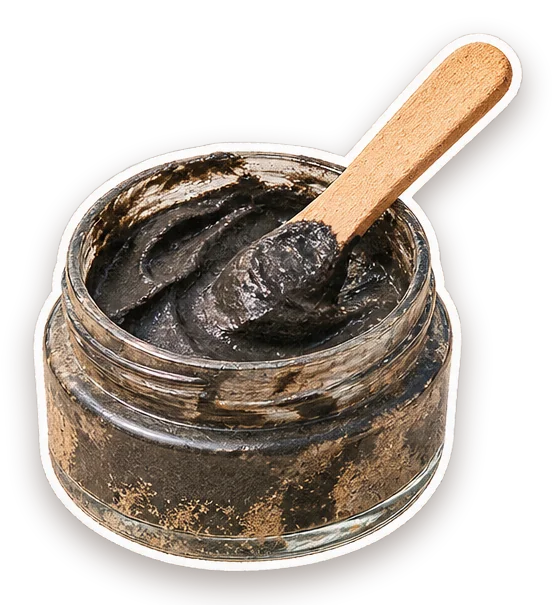
Scroll down to move through the postcards. Only this row moves sideways.
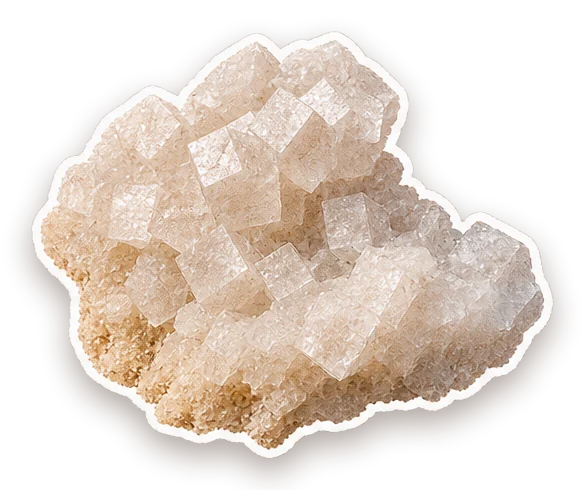
Salt crystals
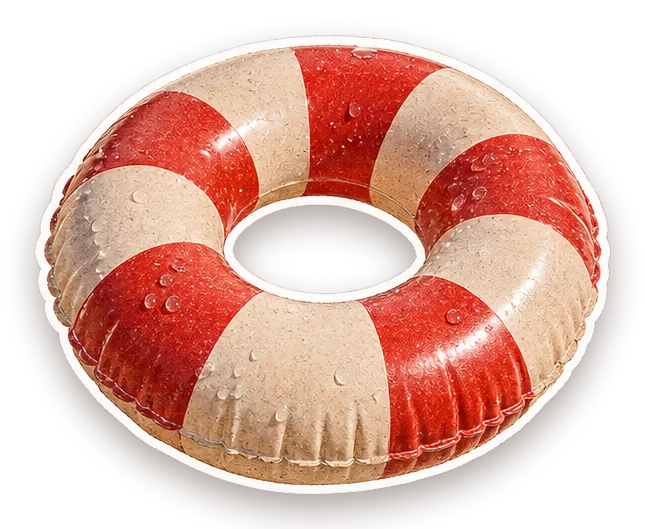
Float on the water
src/main.js
// Abridged from src/main.js; rail has dir="rtl"
const distance = () => rail.scrollWidth - rail.clientWidth;
gsap.fromTo(rail, { scrollLeft: 0 }, {
  scrollLeft: () => -distance(),
  ease: 'none',
  scrollTrigger: {
    trigger: gallery,
    start: () => `top ${header.offsetHeight + 8}`,
    end: () => `+=${Math.max(1, distance())}`,
    pin: true, scrub: true, invalidateOnRefresh: true,
  },
});Test the route, then publish
Check the intro skip, all six chapter links, Back and Forward, and a fresh load at #petra. In the original, chapter links update the fragment, scroll to the section, and then move keyboard focus without an extra scroll. The mobile menu supports Escape and returns focus to its button.
On phone and desktop, scroll both ways through each pinned gallery. Check that the last card is fully reachable and that the page continues to the next scene. With reduced motion enabled, verify that the intro and pins are skipped and the galleries stay usable.
Build Vite’s dist/ and preview that output. Upload the same folder to your Cloudflare Pages project; check the public URL, chapter links, and all visuals on the deployed version.
Terminal
npm run build
npm run preview

# Update an existing Cloudflare Pages project.
# Replace my-pages-project with your project name.
npx wrangler pages deploy dist \
  --project-name my-pages-project --branch main